
If an LG fridge is running but the food is not cold enough, start with the temperature, the vents, the doors and demo mode before you assume a sealed-system failure. LG's "not cold enough" article has you lower the set temperature, rearrange food so the vents are clear, and confirm every door is fully closed. A separate page, how to disable demo mode, covers the showroom setting that can leave the lights working while the cabinet stays warm.
Do those owner checks first. If the fridge is still warm after the setpoints, vents, doors and rear-panel cleaning, or a temperature error code stays on, book refrigerator repair in Calgary.
Key Takeaways
- LG's temperature-setting page says the default recommended temperatures are 37 F in the refrigerator and 0 F in the freezer. Ranges can vary by model.
- The "not cold enough" article also gives a colder range to try: 34 F to 37 F (1 C to 3 C), and says to keep the fridge no more than about 70% full so air can move.
- Clear the interior vents and make sure every door is fully closed, including drawers and a door-in-door panel.
- Demo mode can make the displays work while cooling is limited. Disable it using LG's demo-mode article for your control type.
- Dust on the rear coils or fan makes the fridge work harder. LG has a separate guide on cleaning the rear of the cabinet.
Set the temperatures LG recommends
LG's temperature-setting article says refrigerators leave the factory with a recommended default of 37 F for the fresh-food section and 0 F for the freezer. You change those values with the Refrigerator or Freezer button on the control panel. The same page notes that temperature ranges may vary by model, and that a long press on some panels switches the display between Celsius and Fahrenheit.
If the cabinet is not cold enough, LG says to set the refrigerator between 1 C and 3 C (34 F and 37 F). In the FAQ on that page, the recommended range is given as 2 C to 3 C (36 F and 37 F), with adjustments of 1 C or 2 C (2 F or 4 F) depending on the model. Use the figures in those LG articles, and give the machine time to stabilize after you change a setting before you decide the repair is mechanical.
| Check | What LG says | Page |
|---|---|---|
| Default setpoints | 37 F refrigerator, 0 F freezer, unless your model lists a different range | Temperature setting |
| If it is still not cold enough | Try 34 F to 37 F (1 C to 3 C), and keep the cabinet no more than about 70% full | Not cold enough |
| Air vents and loading | Rearrange food so interior vents are not blocked | The same "not cold enough" article |
| Doors | Confirm every door is fully closed | The same article |
| Demo mode | Disable the showroom mode using LG's steps for your control panel | Disable demo mode |
| Rear of the cabinet | Clean dust from the rear so the coils and fan can reject heat | Clean the rear |
Vents, doors, demo mode and the rear panel
Work through this owner checklist in order, and give the cabinet time to recover after each change:
- Set the temperatures LG recommends, as in the table above: 37 F in the fresh-food section and 0 F in the freezer, unless your model lists a different range. Wait for the cabinet to stabilize before you decide the repair is mechanical.
- Clear the interior vents. A packed top shelf, a pizza box against the rear wall, or a crisper shoved out of square can leave one section warm while another feels fine. Move food off the vent openings, and don't overload past the fill level LG describes.
- Watch the doors. A slightly open freezer, a door-in-door panel that didn't latch, or a bin that keeps a door from closing will warm the cabinet over a few hours. Check the refrigerator door seal for gaps or dried food, and make sure the fridge sits level enough for the doors to swing shut.
- If the lights and the display look normal but the fridge never really gets cold, look at demo mode. LG's demo-mode article explains how to turn that showroom setting off. The exact button combination depends on the control type, so use the steps for your panel rather than a generic hold.
- Pull the fridge forward enough to see the rear. LG's rear-cleaning guide covers dust on the coils and the fan. Unplug the machine first. A blanket of dust is a common reason a fridge runs all the time and still feels warm, especially in a tight alcove. The same heat buildup shows up in common fridge overheating problems.
Codes and noises that change the path
If the display shows a code such as CO, Od, IF or CF, use LG's refrigerator error-code article and match the exact code before you order a part. Some of those codes are owner resets. Others mean you should stop and request service.
Normal operation can include some clicking as relays open and close. LG documents that on the clicking-noise page, and has a wider guide to unusual noises. A new, loud, or grinding sound with a warm cabinet is a reason to book a visit rather than to keep turning the setpoint down.
If the problem isn't limited to this LG model, the general guide on a refrigerator not cooling properly covers shared causes. A freezer that will not hold temperature, including on other brands, is covered in Kenmore freezer not freezing.
When to call for repair
Call if the setpoints are in the range LG gives, the vents and doors are clear, demo mode is off, the rear is clean, and the cabinet is still warm, or if a temperature-related code remains. Book refrigerator repair in Calgary. We charge a $100 diagnostic, credited toward labour if you go ahead. Warranty is 3 months on parts and labour. Technicians reach Airdrie, Chestermere, Cochrane, Okotoks and Calgary, often arriving the same or next day.
LG fridge cooling questions
What temperature should an LG fridge be set to? LG's setting page uses 37 F and 0 F as the default recommended values. The "not cold enough" article also discusses 34 F to 37 F if the cabinet is still warm. Ranges can vary by model.
Why are the lights on if the fridge is warm? The display can work while cooling is limited, including in demo mode. Check that setting, then the vents, doors and rear coils.
How long should I wait after changing the temperature? Give the machine time to stabilize after a change, rather than stacking new setpoints every few minutes. LG's pages describe making a change and then reassessing.
To book a visit, use the online form or call 587-816-2400.
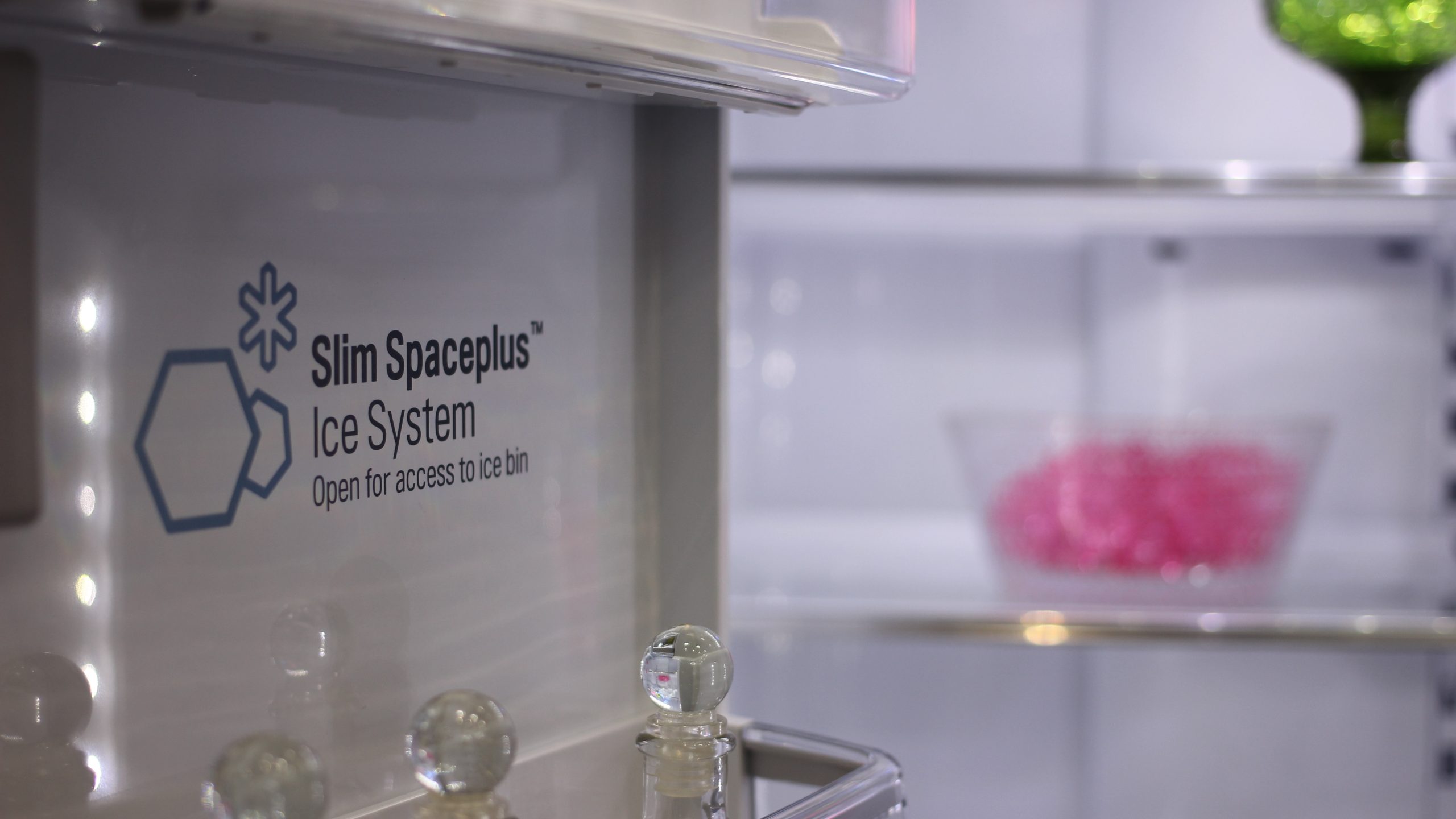
In-body photo: LG Signature fridge by Maurizio Pesce, CC BY 2.0. Cropped to 16:9. This is an adaptation of the original under CC BY 2.0.